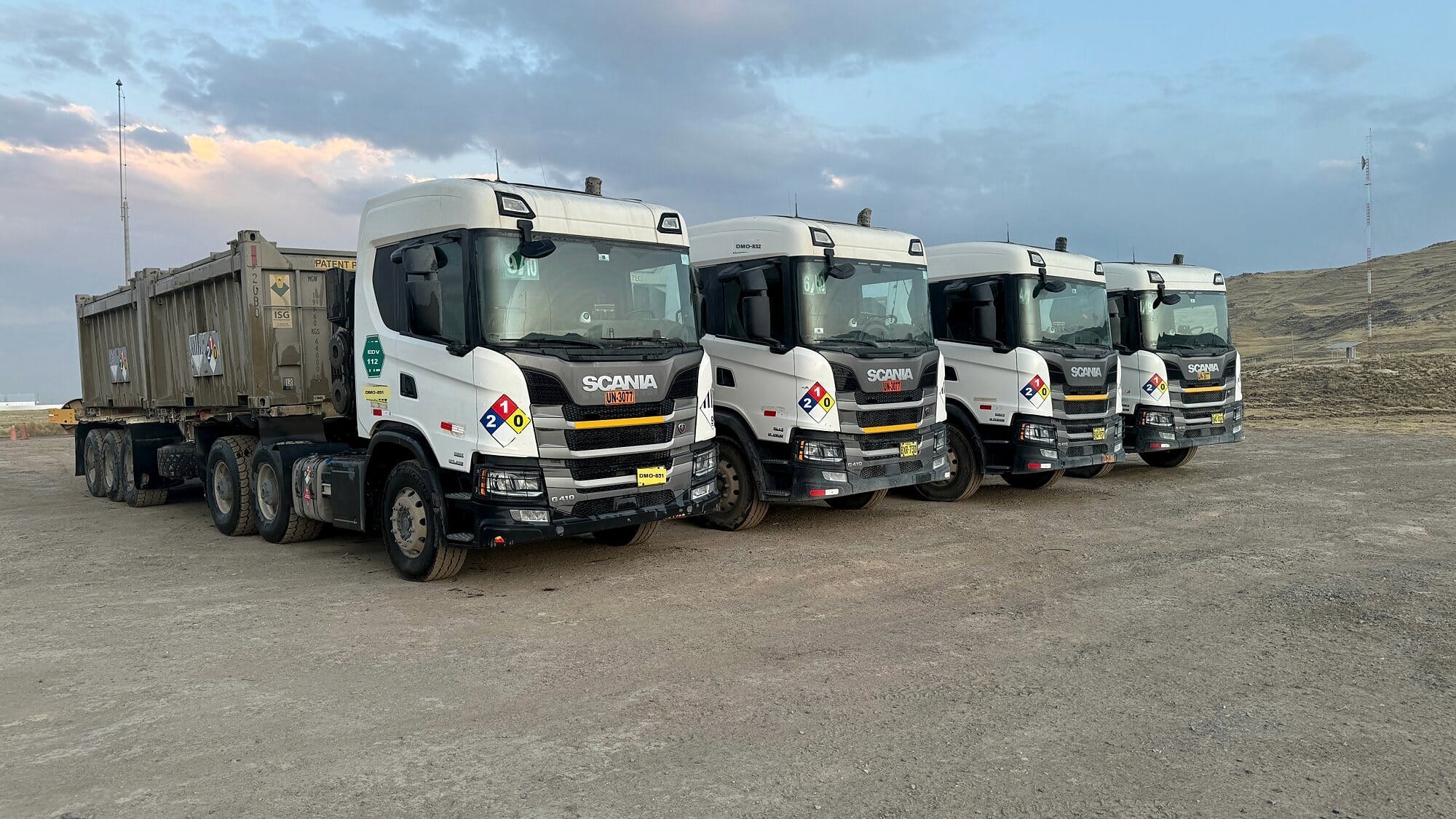
Endeavant smart cameras
Cameras for freight trucks and buses: up to 8 cameras
A freight truck or a bus can carry 1 to 8 Endeavant smart cameras: the road, the driver, the cab, both sides, reverse and the load. They all record on board, can be watched live from Endeavant Cloud and every alert arrives with each camera's video, validated by our 24/7 Control Center.
- In-cab alert
- Validated by control center
Positions
What each camera covers on a truck and on a bus
Each camera covers a different point of the vehicle and the main unit syncs them: when an alert comes in, the evidence brings what each one saw in those seconds. With up to 8 cameras, all four sides of the vehicle and the cab are covered at once.
| Camera | Freight truck | Bus |
|---|---|---|
| Front ADAS | The road: forward collision, lane, headway and pedestrians | The road: forward collision, lane, headway and pedestrians |
| Driver DMS | Fatigue, phone and distraction on long shifts | Fatigue, phone and distraction on night shifts |
| Cab | The cab interior, with night vision | The interior, with night vision |
| Sides | Both sides, where the mirror does not reach | Both sides, where the mirror does not reach |
| Reverse | Reversing in the yard and at loading | Reversing at the terminal |
| Load or tray | Load and tray status | Not applicable |
Configuration
1 to 8 cameras per vehicle
Each vehicle carries the cameras you need to cover. The Avant line has three units and each one's number is how many cameras it takes: Avant 3, Avant 5 and Avant 8. The full comparison is in DMS and ADAS cameras.
The driver and the road
Anti-fatigue camera facing the driver, with optional ADAS and cab camera.
Adds sides and reverse
5-channel recorder with side and reverse cameras, blind-spot radar and in-cab display.
360° coverage
Cab, road, sides, reverse and tray at once, with a 1 TB solid-state drive.
Components
Cameras installed on the vehicle
Every camera is Endeavant technology and connects to the same main unit, which records and sends each event over 4G. The driver sees the cameras and alerts on the in-cab display.
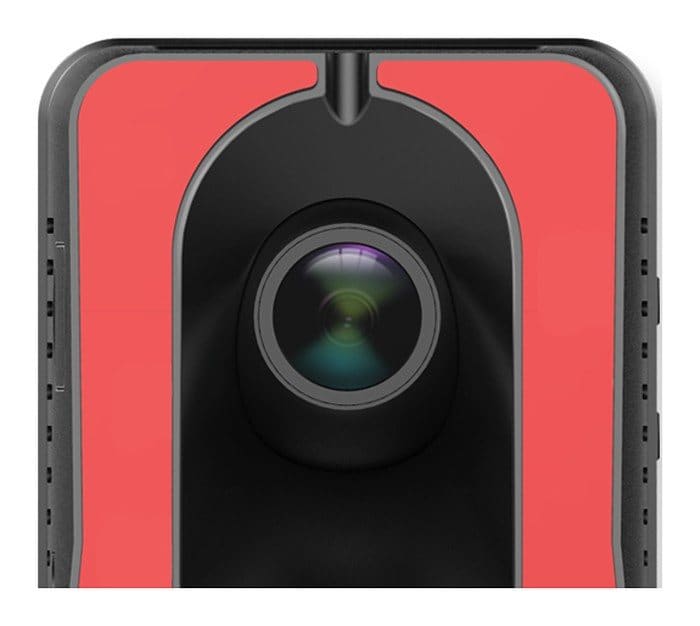
ADAS anti-collision camera
On the windshield · faces the road
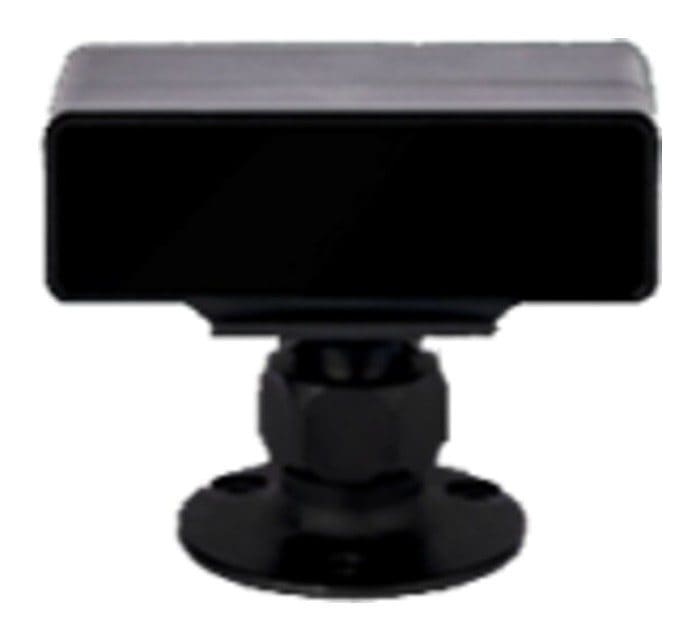
DMS PRO camera
Faces the driver · recognizes who drives
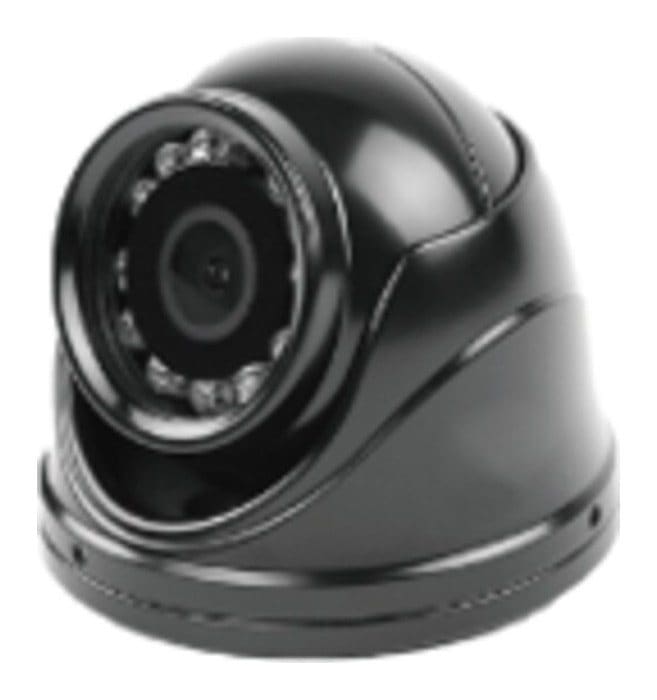
Cab camera
Cab view with night vision
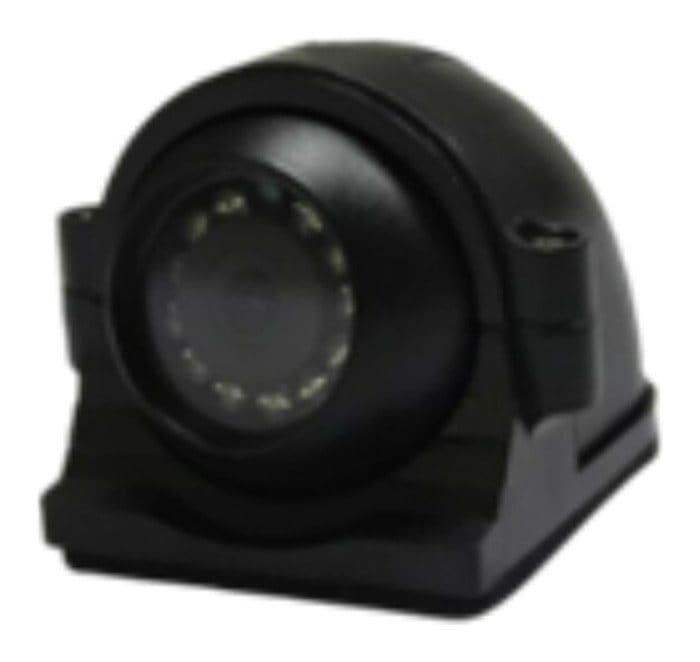
Side cameras
Both sides, blind spots
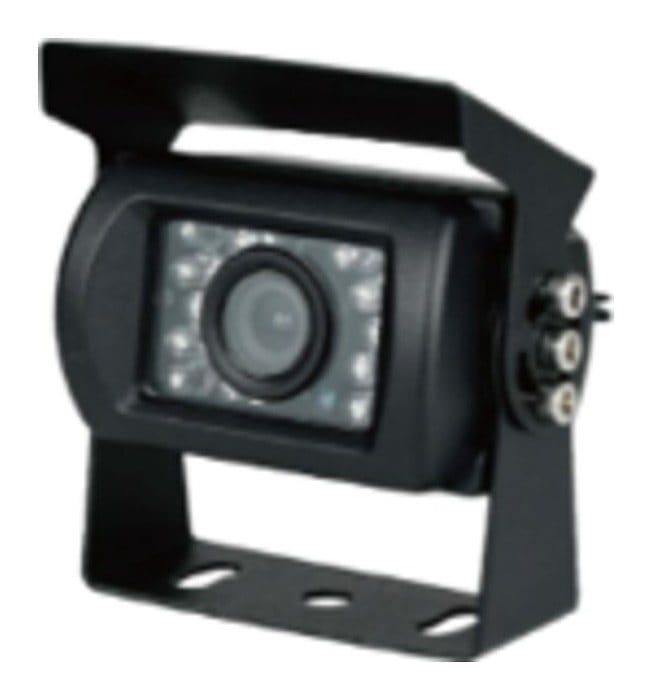
Rear / tray camera
Reversing and load status
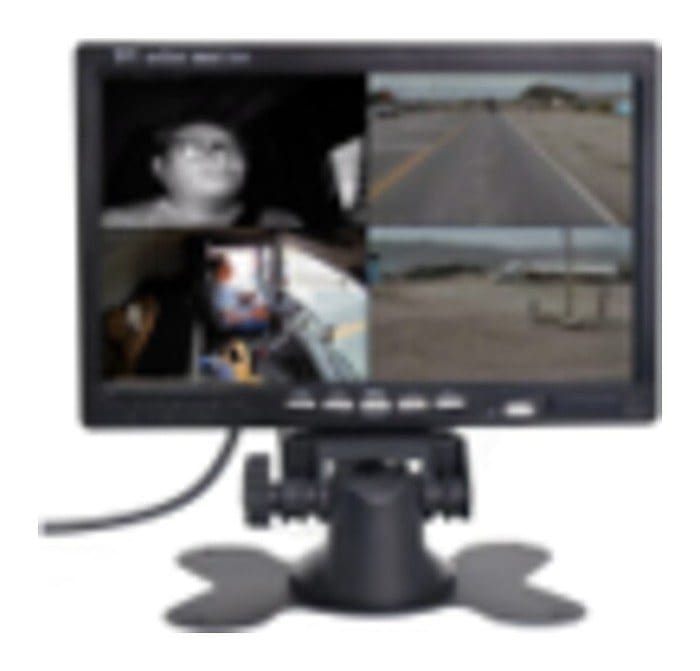
In-cab display
Shows cameras and alerts
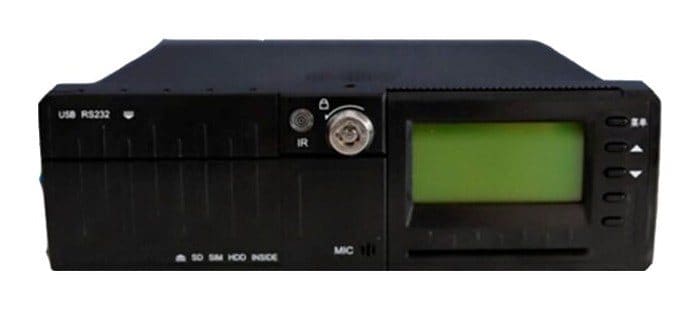
8-channel recorder
Full HD · embedded AI · 1 TB SSD
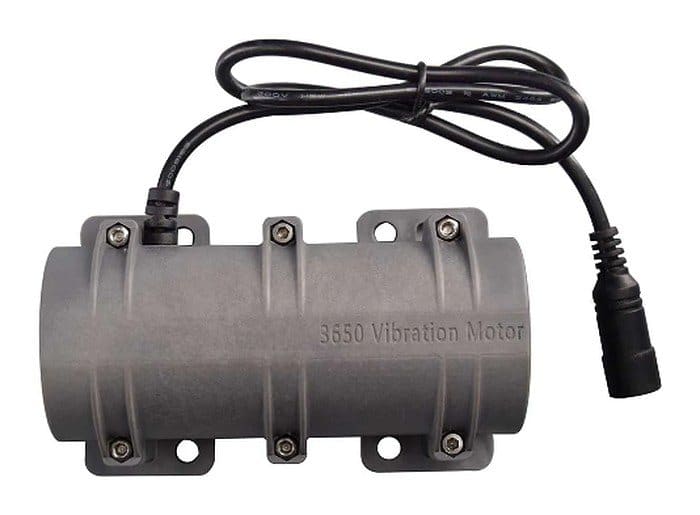
Seat vibrator
12 V or 24 V · vibrates with the alert
Live
Live video from Endeavant Cloud
In Endeavant Cloud the whole fleet shows on the map and any truck or bus camera opens live in one click, from the browser or the mobile app. Every alert arrives with video from every camera, the location and the shift driver.
- Live video linkThe camera shared through a signed link, no session.
- Voice to the cabMessage to the vehicle to correct while it happens.
 Simulated data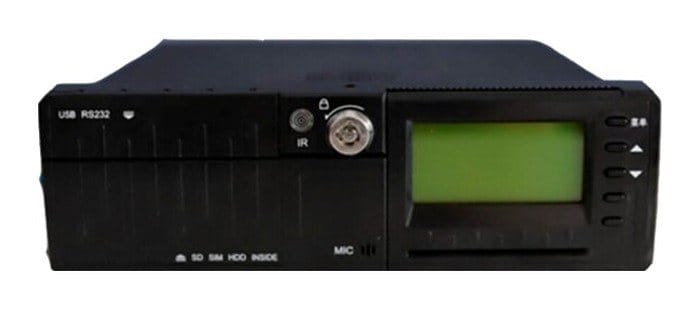
Recording
On-board recording and 12 months in the cloud
The recorder stays inside the vehicle and records the shift from every camera; any segment can be requested from Endeavant Cloud by date, time and camera. Each alert's video, 15 seconds before and 15 after, also stays on the platform for 12 months.
- Up to 3 camerasMicro SD up to 256 GB, Full HD 1080p.
- Up to 5 camerasTwo 512 GB SD cards.
- Up to 8 camerasTwo SD cards plus a 1 TB solid-state drive and MIL-STD-810H certification.
How it works
From the event on the road to validation
The cameras process on board, so the in-cab alert does not depend on signal, including on intercity and high-altitude routes. Every event uploads to Endeavant Cloud with its video and Endeavant's 24/7 Control Center validates it.
- The camera detectsFatigue, distraction, collision risk or someone in the blind spot.
- In-cab alertVoice warning and seat vibration; on Avant 5 and 8, an alert light too.
- Video to Endeavant CloudThe event uploads over 4G with 15 s of video before and 15 s after, plate, speed and time.
- 24/7 validationThe Control Center confirms the event, talks to the cab and notifies your supervisor on WhatsApp.
FAQ
Truck and bus cameras FAQ
How many cameras does a truck need?+
Can I watch the video live?+
How long does it record?+
Does it work on intercity buses?+
Is there a 360 camera for trucks?+
How long does installation take?+
Endeavant smart cameras
The full system
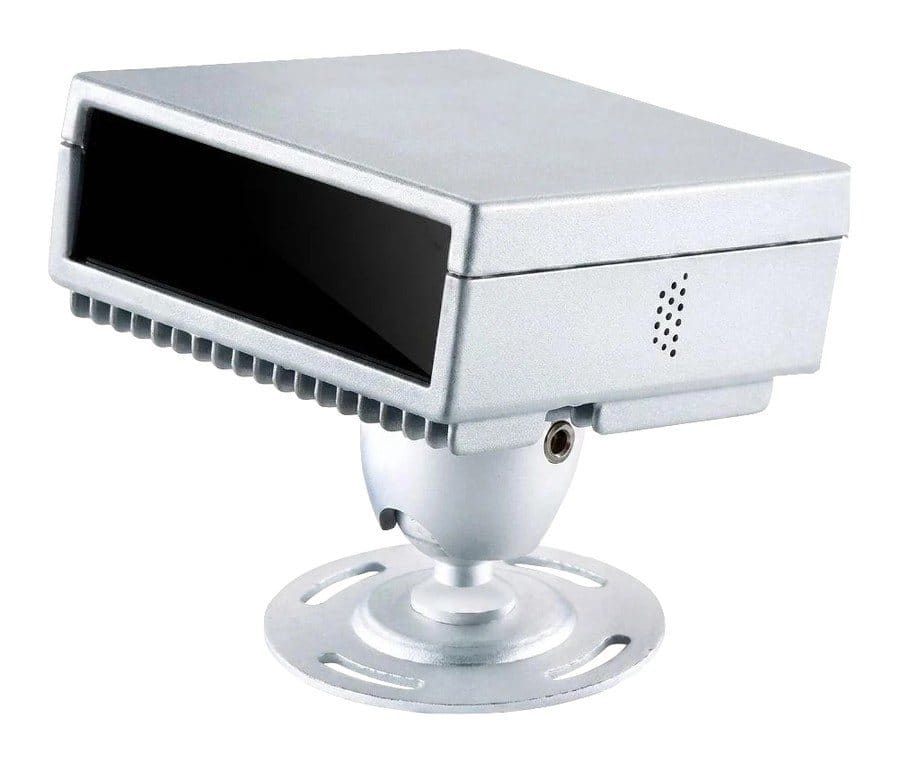
DMS and ADAS cameras
What each camera watches and what each unit includes.
Learn more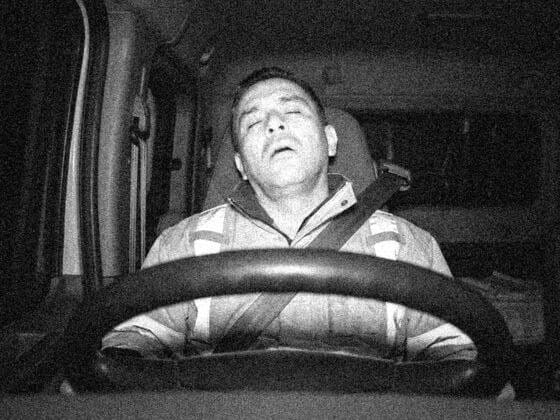
Anti-fatigue camera
Closed eyes, nodding, yawning and phone, with in-cab alert.
Learn moreAnti-collision system
Forward collision, lane departure, headway and pedestrians.
Learn more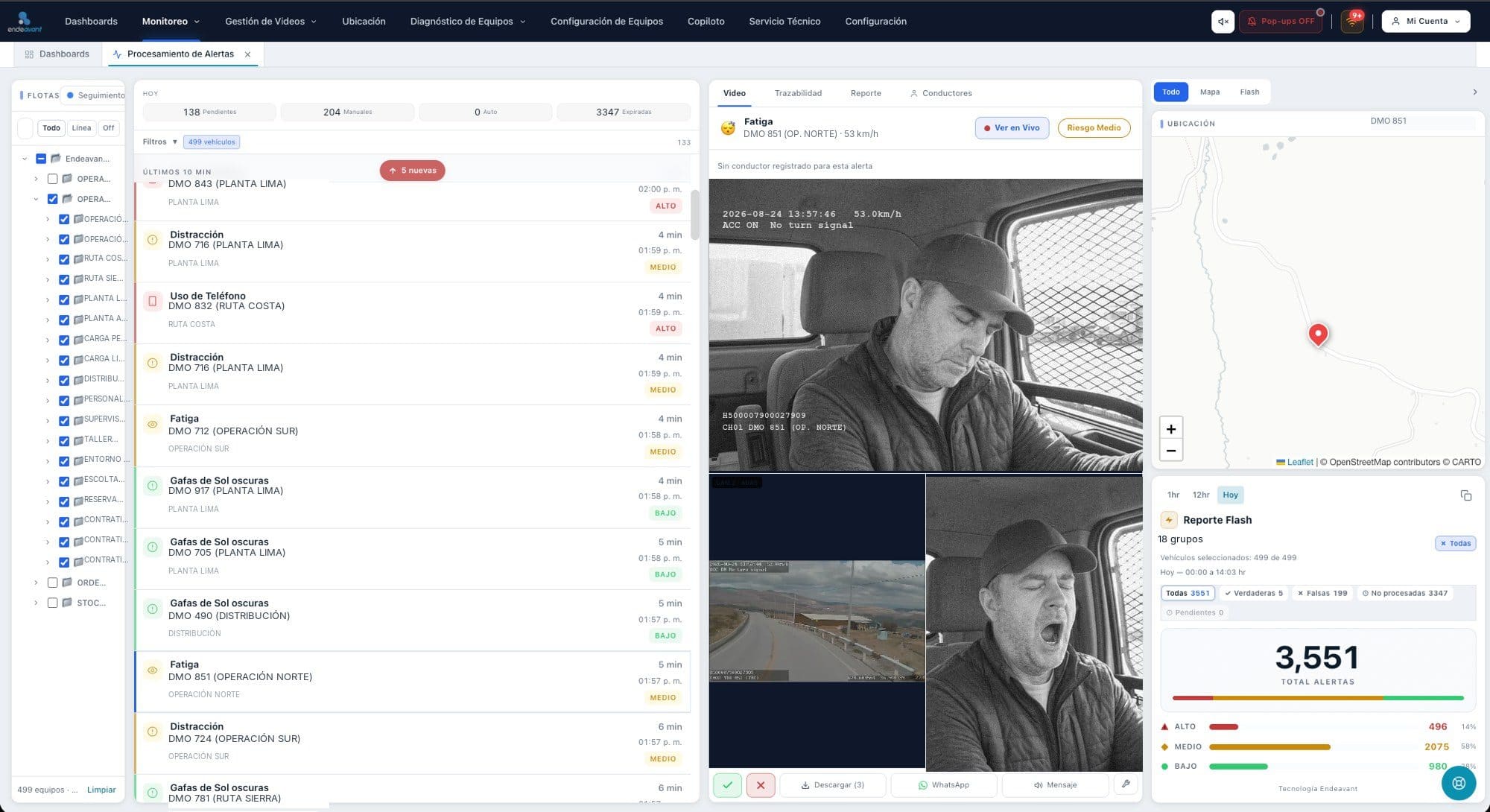
Endeavant Cloud
Alerts with video, location, live video and reports.
Learn more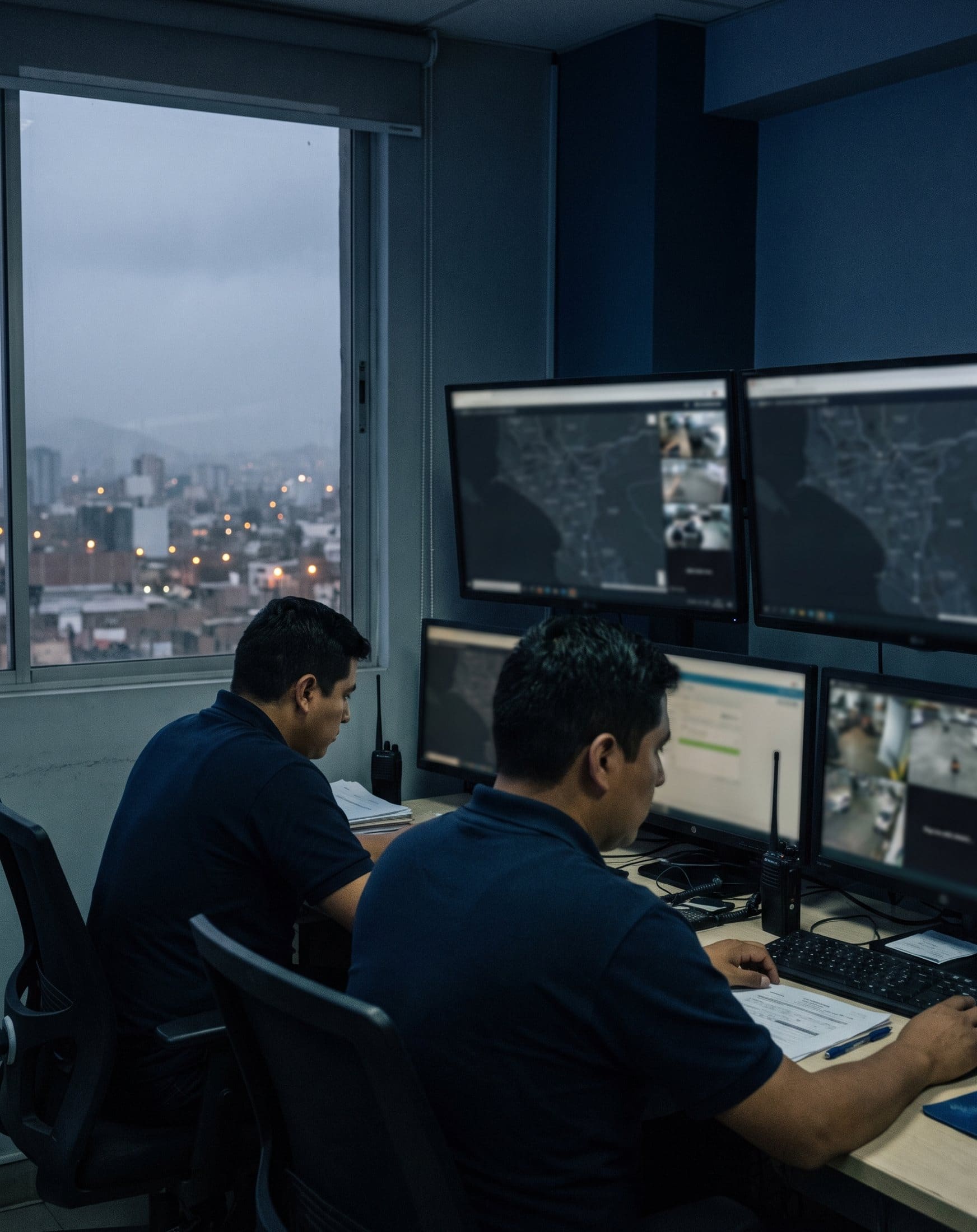
24/7 Control Center
Endeavant operators who validate every alert.
Learn moreData sheet and quote
Get the Endeavant cameras data sheet
We email you the Endeavant cameras brochure with Endeavant Cloud right away. Tell us how many units and what operation you run and we will put together the quote.

Powered in Perú by
Endeavant S.A.C.